PHP розробка
7 жовтня 2005 р.Одна з проблем для програміста на PHP яка повстає - це вибір хорошого оточення для програмування.
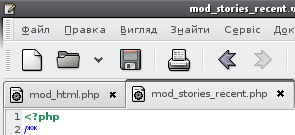 Можна використовувати прямо любий знайомий текстовий редактор - vim, mcedit, gedit, всі вони вміють синтаксис підсвічувати, для того не потрібно особливо напрягатись
 .
.
Часто таке рішення дуже зручне, за допомогою цих редакторів можна швиденько поправити щось безпосередньо на сервері. Але при більш серйозному підході до програмування виникають різні завдання які такі редактори не вирішують .
.
Я пробував різні інші розробки, які спеціально розробляються для веб-девелопменту: screem, bluefish, gphpedit, cssed.
Всі ці програмки дуже гарні, і дуже потрібні особливо для HTML, СSS розробки, але все одно не сподобались мені при використанні для PHP.
Раз я навіть довший час програмував використовуючи anjuta, яка загалом розроблялась для С/С++ програмування.
Ще є інші программи створені тільки для роботи з PHP котрі навіть дозволяють вам віддалену відладку скриптів прямо на сервері, наприклад: maguma studio і zend studio. Але більшість із них коштують гроші і все одно не вводять мене в захоплення.
Якщо я плачу за щось, то чекаю від программи принаймі повноцінного бравзингу моїх классів і автодоповнення коду навіть якщо я роблю include і при тому не вказую сам файл з класом, а лише змінну в якій міститься назва файлу.
Але згодом я все таки найшов оптимальне для себе рішення - це використання платформи eclipse і кілька різних плагінів.
Взагалі для для eclipse є два проекти які дозволяють розробку PHP скриптів - це phpeclipse і Truestudio IDE. З декількох причин я вибрав останній.
Отже що Вам потрібно - це закачати 3.1.1 (актуальну на даний момент) версію Platform Runtime Binary (linux_gtk_x86). І для нього взяти відповідні плагіни для php:
Просто розпакуйте ті три файли у вашу папочку де є вже попередньо розпакований eclipse. При першому запуску Вас попросять вказати шлях до самого php і його файлу ini, після того Ви можете почати розробку php скриптів.
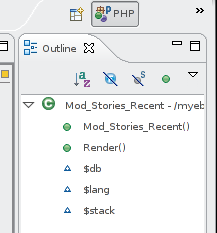
Але це ще не все. Є кілька ще дуже потрібних плагінів які вартує зразу ж собі заінсталювати.
Перші два це підтримка експорту проекту у WebDAV, або FTP, а також підтримка SVN репозиторіїв.
Перший можна взяти прямо з сайтів апдейту самого eclipse, а другий добавивши цей сайт в апдейти: http://subclipse.tigris.org/update
Інший плагін який не зашкодить заінсталювати це css редактор. Взяти його можна тут: csseditor.sourceforge.net
Потрібна версія 0.0.4 , інші не будуть працювати з eclipse-3.1
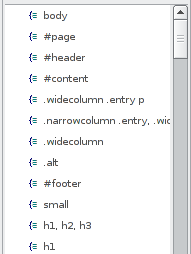
Ще може знадобитись редактор html і xml, але наразі я ще не займався тим питанням. Якщо у Вас є хороша ідея стосовно цього, залишайте коментарі.
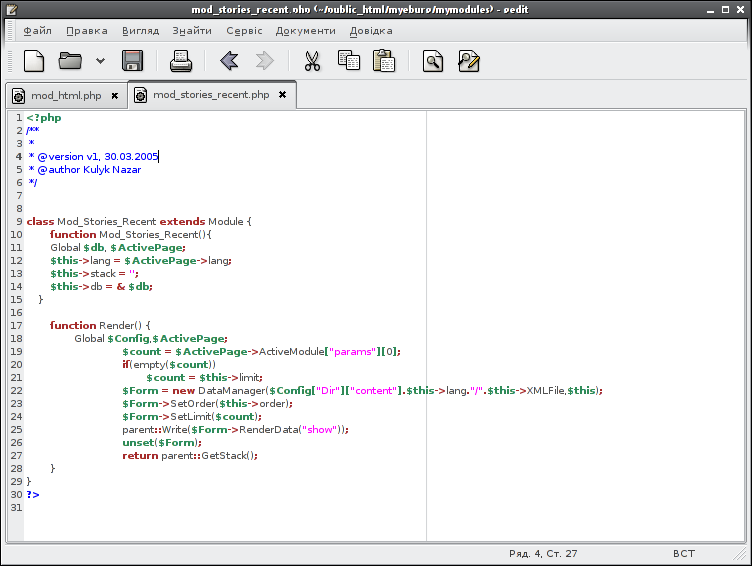 Можна використовувати прямо любий знайомий текстовий редактор - vim, mcedit, gedit, всі вони вміють синтаксис підсвічувати, для того не потрібно особливо напрягатись.
Часто таке рішення дуже зручне, за допомогою цих редакторів можна швиденько поправити щось безпосередньо на сервері. Але при більш серйозному підході до програмування виникають різні завдання які такі редактори не вирішують
.Я пробував різні інші розробки, які спеціально розробляються для веб-девелопменту: screem, bluefish, gphpedit, cssed.
Всі ці програмки дуже гарні, і дуже потрібні особливо для HTML, СSS розробки, але все одно не сподобались мені при використанні для PHP.
Раз я навіть довший час програмував використовуючи anjuta, яка загалом розроблялась для С/С++ програмування.
Ще є інші программи створені тільки для роботи з PHP котрі навіть дозволяють вам віддалену відладку скриптів прямо на сервері, наприклад: maguma studio і zend studio. Але більшість із них коштують гроші і все одно не вводять мене в захоплення.
Якщо я плачу за щось, то чекаю від программи принаймі повноцінного бравзингу моїх классів і автодоповнення коду навіть якщо я роблю include і при тому не вказую сам файл з класом, а лише змінну в якій міститься назва файлу.
Але згодом я все таки найшов оптимальне для себе рішення - це використання платформи eclipse і кілька різних плагінів.
Взагалі для для eclipse є два проекти які дозволяють розробку PHP скриптів - це phpeclipse і Truestudio IDE. З декількох причин я вибрав останній.
Отже що Вам потрібно - це закачати 3.1.1 (актуальну на даний момент) версію Platform Runtime Binary (linux_gtk_x86). І для нього взяти відповідні плагіни для php:
- trustudio-foundation-1.0.1a.zip
- trustudio-php-1.0.1a.zip
- trustudio-php_binaries-1.0.1a-linux-x86.zip
Просто розпакуйте ті три файли у вашу папочку де є вже попередньо розпакований eclipse. При першому запуску Вас попросять вказати шлях до самого php і його файлу ini, після того Ви можете почати розробку php скриптів.
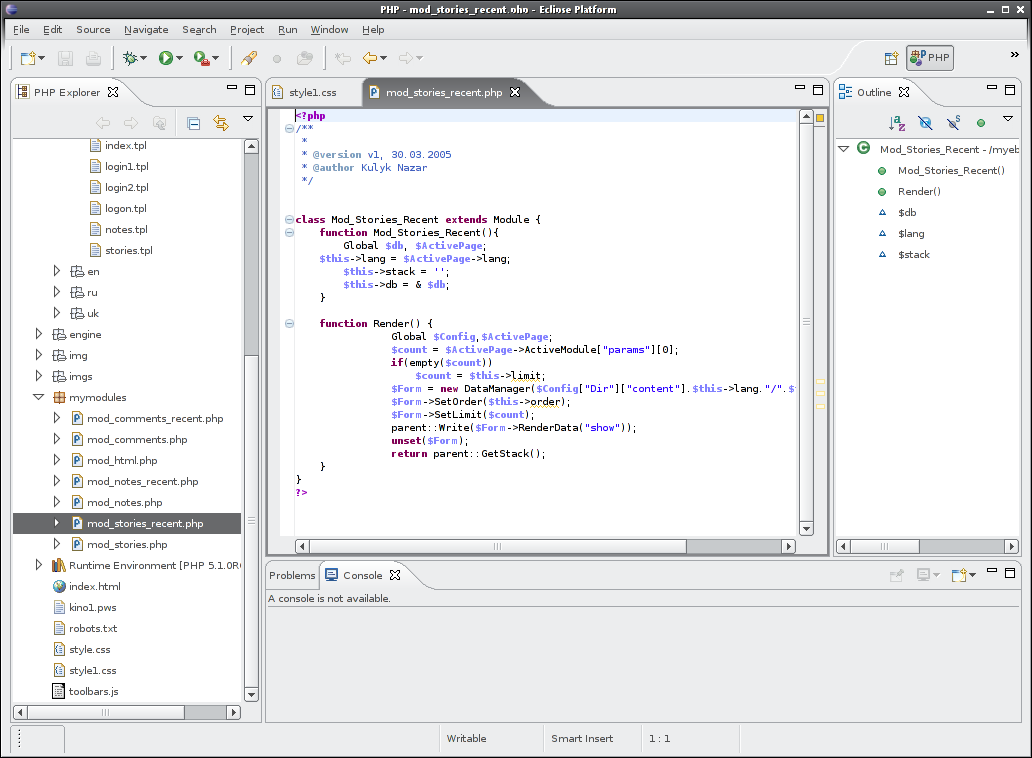
Але це ще не все. Є кілька ще дуже потрібних плагінів які вартує зразу ж собі заінсталювати.
Перші два це підтримка експорту проекту у WebDAV, або FTP, а також підтримка SVN репозиторіїв.
Перший можна взяти прямо з сайтів апдейту самого eclipse, а другий добавивши цей сайт в апдейти: http://subclipse.tigris.org/update
Інший плагін який не зашкодить заінсталювати це css редактор. Взяти його можна тут: csseditor.sourceforge.net
Потрібна версія 0.0.4 , інші не будуть працювати з eclipse-3.1
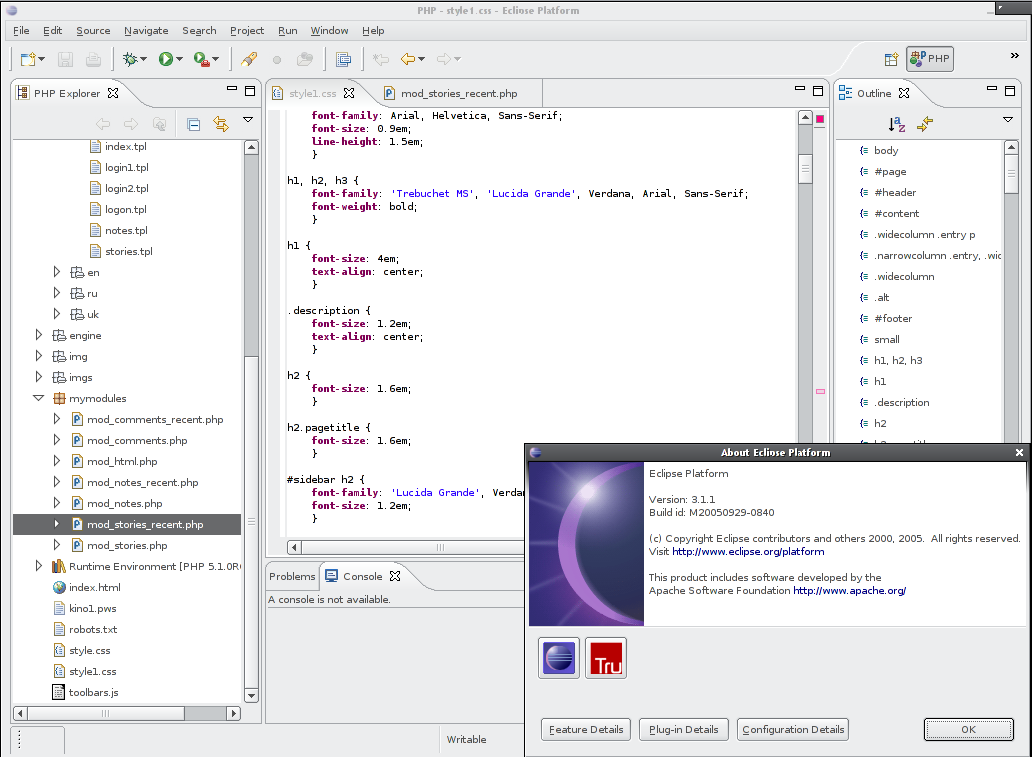
Ще може знадобитись редактор html і xml, але наразі я ще не займався тим питанням. Якщо у Вас є хороша ідея стосовно цього, залишайте коментарі.
Написав  SchAmane
| написати коментарій
SchAmane
| написати коментарій


